
For this Polkadoodles inspiration card, our design team worked with the theme flowers. The official challenge is still “Anything Goes,” but these themes help spark ideas you might like. I made a bright gnome card with a sunflower background and butterflies that float inside a shaker window.
You don’t need fancy tools—just a few digital files, your favourite colouring supplies, and basic items from your stash. I’ll guide you through each step so you can make this card yourself.
In this tutorial, you will:
- Learn how to make a gnome card with digital stamps and printable papers.
- Discover easy shaker card techniques
- Get tips for colouring digital stamps with alcohol markers
Ready to get started? Let’s begin.
Materials and Dimensions You Need for This Gnome Card Idea
Before you start, here’s a clear list of the materials and sizes for this card. I’ve split them into Polkadoodles products and other supplies, plus tips for easy alternatives.
Polkadoodles Products
- Nom Nom – Bee Buzzy Gnome digital stamp: This gnome is the main image on the card. I printed and coloured it with alcohol markers to bring it to life.
- Spring Gnome Fun Puns quotes and sentiments: I chose the sentiment “You’re blooming great” to match the flower theme.
- Autumn Fall Paper 2: The sunflower-patterned paper from this collection forms the background layer for the shaker.
Other Materials
- Cardstock: Use white cardstock for the card base, 26 by 13 centimetres folded to a 13-centimetre square.
- White or brown cardstock: The first layer on the card base measures 12,5 centimetres by 12,5 centimetres.
- DCP paper: This paper works well for printing digital stamps because it holds alcohol markers without bleeding. If you don’t have DCP paper, use smooth, marker-friendly paper or heavy printer paper.
- Alcohol markers: Use these for colouring your image. Depending on your skill and preference, you may also use coloured pencils, water-based markers, or watercolours.
- White gel pen: Use this to add highlights and small details after colouring. A white paint pen or fine brush with white acrylic paint also works.
- Acetate sheet: Use this to add highlights and small details after colouring. A white paint pen or fine brush with white acrylic paint also works.
- Foam tape: This creates depth in the shaker window. Double-sided foam tape works best, but thin craft foam strips or folded cardstock work too.
- Shaker elements: I used transparent butterflies, but beads, sequins, or tiny die cuts work well too.
- Adhesive and scissors: You’ll need these for assembling the card.
With these materials ready, you’re set to make a bright gnome card that mixes shaker techniques with digital stamping. If your supplies differ, don’t worry—I’ll show easy alternatives so you can make the card your way.
Step-by-Step Guide to Making Your Gnome Shaker Card
Now that your materials are ready, it’s time to make this bright gnome card. I’ll guide you through each step clearly and simply, so it’s easy to follow—even if this is your first shaker card. You’ll learn how to colour your digital stamp, build the shaker window, and assemble a balanced, layered card.
Let’s get started. You’ll have a card to enjoy giving or keeping.
Step 1 – Print and Colour the Digital Gnome Stamp
Start by printing your digital stamp on DCP paper. This paper works well with alcohol markers because it holds the ink without bleeding. After printing, begin colouring with your markers.
Here are the colours I used for this gnome:
- Skin: Pale Cream, Salmon Pink, Peachy Blush, and Blush
- Beard: Cool Grey 4, Cool Grey 3, and the colourless blender
- Sunflower and golden stripes on the hat: Barn Red, Golden Yellow, Lemon Yellow, Pastel Lemon
- Inside of the flower: Barn Red, Burnt Sienna, Clay
- Blue stripes on the hat: Baby Boy, Midi Sky Blue, Dark Sky Blue, and Winter Night
- Tree trunk: Brown Grey, Walnut, Natural Oak
- Mushrooms and cup: Cardinal, English Red, Burgundy
- Apple: Apple Green, Cardinal
- Basket: Pale Cream, Brown Grey, Walnut
- Feet: Sand, Rose Beige
- Watermelon: Apple Green, Coral Pink
After colouring, I added highlights to the sunflower, hat, and feet with a white gel pen. This gives extra depth and detail to the image.

If you prefer, use coloured pencils or water-based markers instead of alcohol markers. The key is to take your time and build up the layers.
Once your image is coloured, you’re ready for Step 2.
Step 2 – Build the Shaker Background
In this step, you’ll build the shaker window that adds movement and interest behind your gnome image. I’ll guide you through cutting the panel, creating the window, and assembling the shaker in simple steps.
Cut the Panel and Create the Window
Start by cutting white cardstock to 12 by 12 centimetres. This will be your shaker panel. Position a circle die with a flat bottom where you want the shaker window. Tape it in place and run it through your die-cutting machine to create a neat window with a stitched edge.

Attach Acetate and Foam Tape
Next, use double-sided tape to attach acetate behind the window, covering the opening completely. Then, apply foam tape around the back edge of the panel, sealing all gaps to keep your shaker elements inside. Use an anti-static pouch over the foam tape and acetate to reduce static cling.
Add Shaker Elements and Seal
Now, place your shaker elements inside the foam tape frame. I chose transparent butterflies to match the floral theme, but beads or sequins work well too. Cut sunflower-patterned paper to 12 by 12 centimetres. Peel the foam tape backing and press the paper onto the foam tape with the pattern facing inward.

Your Shaker background is ready. Now, let’s move on to building the card base and layering everything.
Step 3 – Prepare the Card Base and Add the First Layer
Now that you have completed the shaker background, it’s time to build the base and add the first layer to frame your shaker window. This step will give your card a clean, polished look, allowing the shaker element to really stand out.
Create the Card Base
Start with a piece of white cardstock measuring 26 by 13 centimetres. Fold it in half to create a 13 by 13 centimetre square card base
Cut and Colour the First Layer
Next, cut white cardstock to 12.5 by 12.5 centimetres for the first layer. I didn’t have brown cardstock, so I coloured the edges with an alcohol marker to create a warm brown frame. If you have brown or Kraft cardstock, use that instead.

Attach the Shaker Panel
Glue the shaker panel onto this layer so it’s nicely framed by the brown edges. Then stick the whole layered panel to your card base.
With the base and shaker panel in place, you’re ready to add the final details and bring your card to life.
Step 4 – Assemble Your Gnome Card for Balance and Charm
Now it’s time to assemble your card and bring all the pieces together. This step finishes the look and helps the shaker stand out.
Position the Coloured Gnome
Place your coloured gnome just below the shaker window. Make sure it fits nicely within the space so it draws attention without crowding the design.
Add the Sentiment
Print the sentiment “You’re blooming great” from the Spring Gnome Fun Puns set at a size that fits your gnome image. Attach it just below the gnome to anchor the design.
Add the Finishing Touches
Cut out the small bee from the stamp set and place it at the top left of the shaker window. This adds charm and balances the layout. You can also add extra embellishments like stitching, ink splatters, or enamel dots for texture and interest.

With everything in place, your card is ready to share or keep. You’ve made a cheerful gnome card full of personality and movement.
Tips and Tricks for Creating Digital Stamp Cards
Digital stamps give you more ways to make your cards unique and personal. You can resize, rotate, or flip images to fit your design. This flexibility helps you get the look you want without needing lots of physical stamps.
Layer images and papers to add shadow and depth. This makes your card more dynamic. Mix hand-drawn textures with printed elements to create contrast. For example, I recoloured my mat layer with alcohol markers because I didn’t have brown cardstock. This added the warm tone I wanted and brought the card together.
Try recolouring printed digital papers with markers. This adds contrast and helps match your colour scheme without extra materials.
If you want to learn more about digital stamps, I offer a free guide with printing tips, colouring, and cutting. Download it from my website to start digital stamping with confidence.
Let’s Get Creative Together
Creating cards is more enjoyable when you feel inspired and confident. This gnome shaker card project gives you a chance to try new techniques and make something bright and cheerful in your style.
Gather your materials, take your time with each step, and enjoy the creative process. There’s no right or wrong—just let your creativity guide you.
I look forward to seeing what you create. Share your cards and stories with our crafty community. Let’s inspire each other.
Join the Polkadoodles Challenge
Every two weeks, Polkadoodles hosts a challenge called “Anything Goes.” It’s a friendly place to share your creativity, try new ideas, and connect with other makers. You don’t need Polkadoodles products to join, but it’s a bonus if you do.
Ready to join? Visit the Polkadoodles challenge blog to upload your card and join the fun.
More Gnome Card ideas
If you enjoyed creating this gnome shaker card, you might like these other blog posts for more inspiration:

Autumn Gnome Card Tutorial: Crafting An Enchanting Scene
Another gnome card idea in nature with Polkadoodles products.
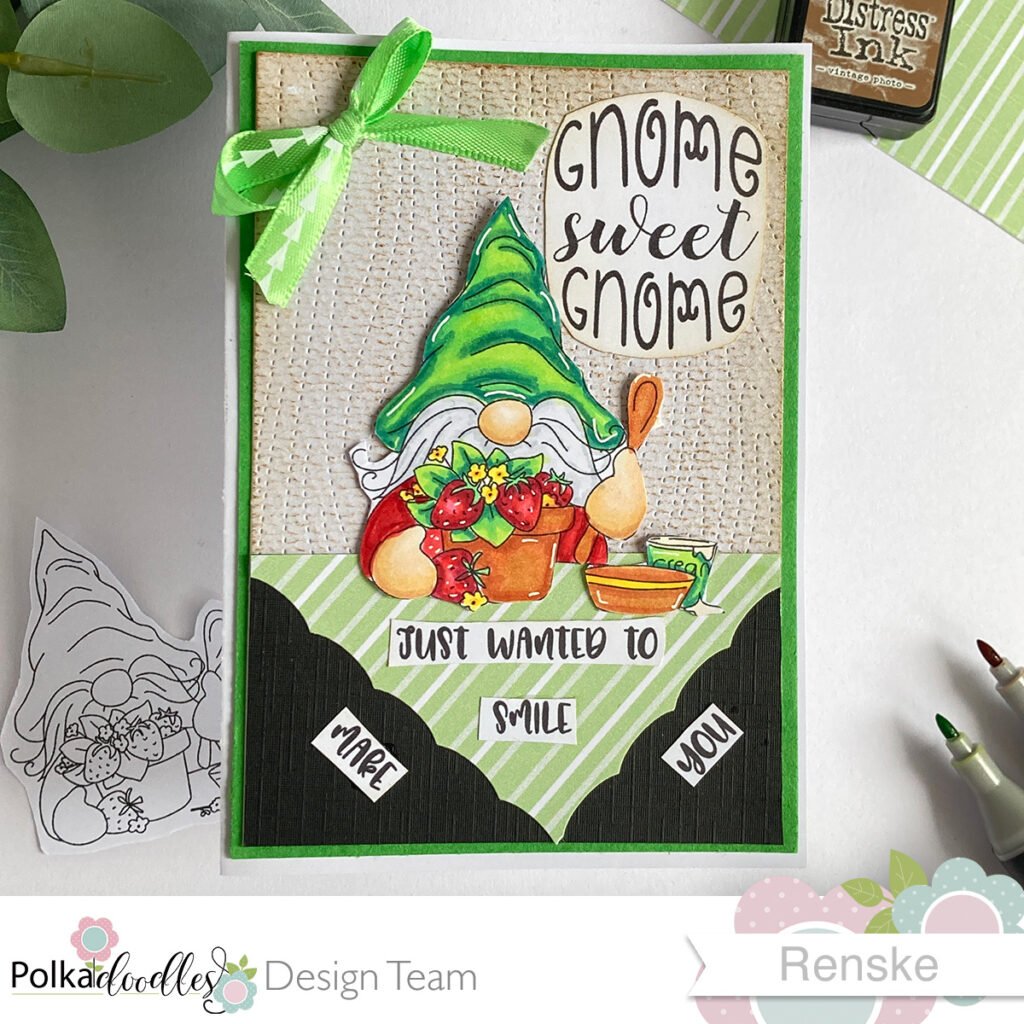
Create A Charming Strawberry Gnome Card With Polkadoodles
Another Gnome card idea with delicious strawberries.
These posts will help you try new techniques and find fresh ideas for your cards.
Polkadoodles products in de spotlight
Nom Nom – Buzzy Bee Gnome digital stamp

Spring Gnome Fun Puns sentiment set
Autumn Fall paper patterns 2
I would like to enter my card in the following challenges
- Try it on Tuesday: Add some text
- Word Art Wednesday: Anything goes + family friendly
- Crafty Catz: Anything goes
- A Perfect Time To Craft Open Challenge: Anything goes
- Crafts Galore Encore Challenge Blog: Anything goes
This is such a fun card Renske! I love how some of the images are outside of the circle. And the coloring is great too. Thanks so much for playing along with us at Word Art Wednesday. We appreciate you!
Thank you so much for your lovely comment. I am glad you like it.
A real cute card and shaker design. Thank you for sharing with us at Try it on Tuesdays.
Thank you so much for your lovely comment.
What a cute card. I love that gnome. Thanks for sharing this with us at Try It On Tuesday. hugs-Erika
Thanks a lot. Glad you like it.
What a sweetie he is! GORgeous colours and design too.
Thank you so much for sharing your shaker card with us at Crafty Catz.
Chrissyxx
Thank you so much.